When comparing cutting machines, most buyers start with one question:
“How much does the machine cost?”
That’s an important question, but it doesn’t tell you the full financial story.
Over time, crafters also spend money on software, digital designs, blades, mats, materials, accessories, and replacement supplies. For small businesses, production efficiency and material waste can affect the total cost even more.
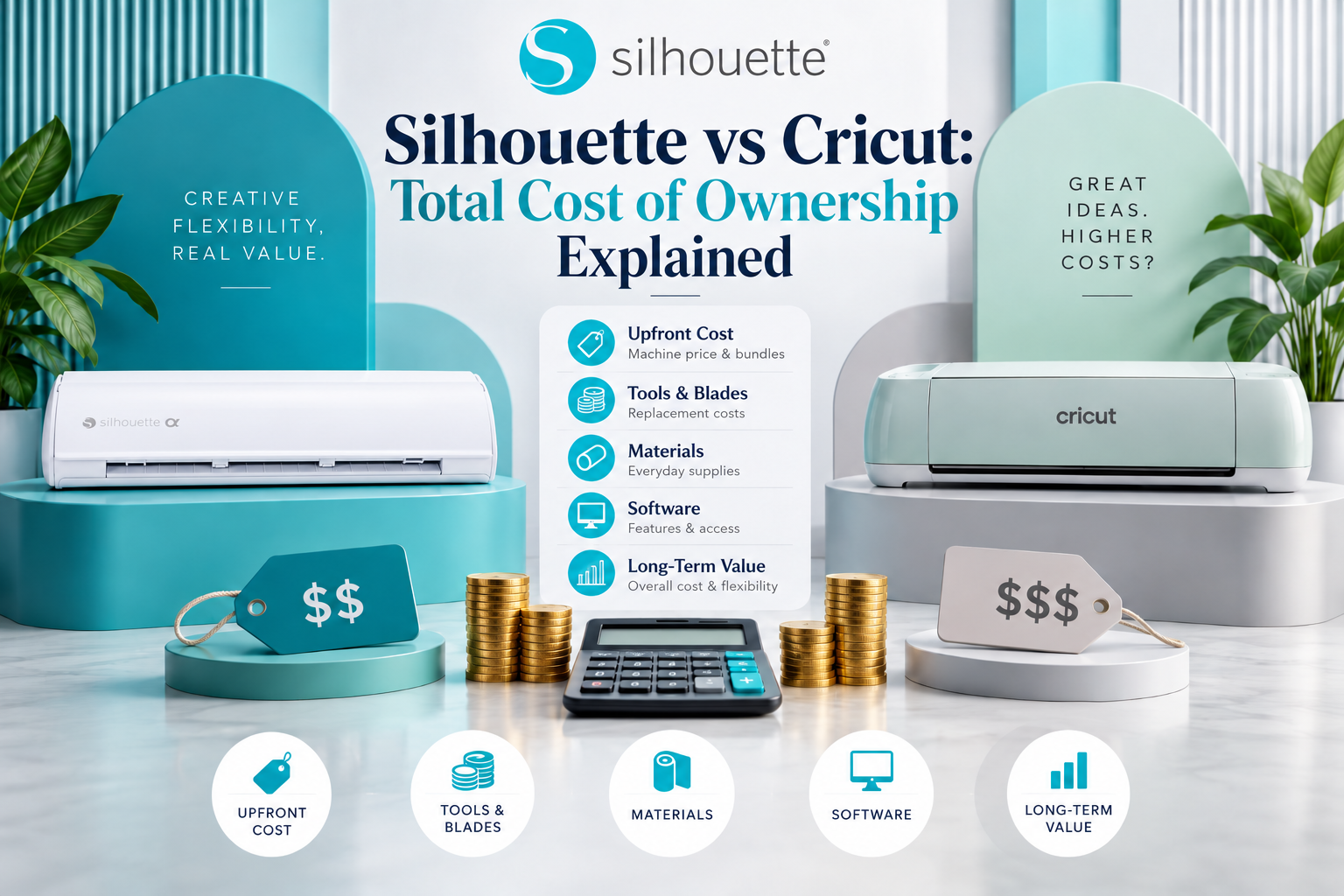
That’s why total cost of ownership (TCO) is a better way to compare Silhouette vs. Cricut.
Both brands offer capable cutting machines, but Silhouette America gives creators several ways to control long-term spending while providing a flexible ecosystem for hobbyists, designers, and growing craft businesses.
What Is the Total Cost of Ownership?
Total cost of ownership is the amount you spend to buy, operate, maintain, and expand your cutting-machine setup over time.
For a craft business, this can include:
- Machine purchase
- Software
- Digital designs
- Blades
- Mats
- Vinyl
- Cardstock
- Sticker materials
- Specialty media
- Accessories
- Replacement supplies
- Production waste
A machine with a lower upfront price isn’t necessarily cheaper over several years.
Machine Price Is Only the Starting Point
Both Silhouette and Cricut offer machines at different price points, depending on capabilities and intended use.
When comparing models, look beyond the initial price and ask:
- What projects can I make?
- What materials will I use?
- What software features do I need?
- Will I need premium design content?
- Could I eventually run a business?
- Will I need another machine if my skills grow?
These questions help you evaluate the actual value of your investment.
Silhouette Studio® Gives You a Flexible Starting Point
One of Silhouette’s biggest financial advantages is its software structure.
Silhouette Studio® Basic Edition provides a free starting point for designing and preparing projects.
You can begin with simple projects such as:
- Vinyl decals
- Greeting cards
- Labels
- Paper crafts
- Personalized gifts
As your skills develop, optional software editions can add more advanced capabilities.
This means you don’t necessarily need to pay for professional-level features before you actually need them.
Optional Upgrades Can Grow with Your Business
Silhouette offers software editions including:
- Designer Edition
- Designer Edition Plus
- Business Edition
These upgrades provide additional functionality for creators who need more advanced design and production tools.
For a growing business, Business Edition adds capabilities such as automatic nesting, multi-cutter support, and expanded file compatibility.
This creates a gradual investment path.
You can start small, then add functionality as your business justifies it.
Digital Design Costs Matter Too
Digital designs are another ongoing expense for many crafters.
The Silhouette Design Store provides a large collection of cut files, fonts, Print & Cut designs, patterns, and other creative assets.
One advantage is purchasing flexibility.
You can purchase individual designs when you need them rather than relying entirely on an ongoing subscription.
For an occasional crafter, that can be useful.
You might purchase several holiday designs in October, use them for your projects, and return when you need additional designs for another occasion.
The Design Store also offers subscription options for creators who prefer regular design credits.
Reusing Digital Designs Can Improve Value
A digital design can potentially be used across multiple projects, depending on its licensing terms.
For example, one suitable design could inspire:
- A greeting card
- A vinyl decal
- A gift tag
- A sticker
- A packaging element
Instead of purchasing a separate physical template for every project, your digital library becomes a reusable creative resource.
Always review the specific licensing terms before using purchased artwork commercially.
Material Waste Is Part of the Cost
Material waste is easy to overlook when comparing cutting machines.
A failed cut can waste:
- Vinyl
- HTV
- Sticker paper
- Cardstock
- Printable material
Even small amounts of waste can become expensive when you’re producing hundreds of products.
Silhouette Studio® provides detailed layout and positioning tools that help creators plan how designs fit onto available material.
Business Edition’s automatic nesting can further help arrange compatible designs efficiently.
For businesses, better material utilization can directly support healthier margins.
A Versatile Machine Can Reduce Future Equipment Costs
Your crafting interests may change.
You might start with vinyl decals and later move into:
- Stickers
- Apparel
- Paper crafts
- Labels
- Packaging
- Home décor
A versatile cutting machine can support multiple product categories without requiring completely separate equipment for every project.
Silhouette’s ecosystem is designed to support a broad range of crafting applications, helping makers expand their product offerings as their interests develop.
What About Cricut’s Total Cost?
Cricut can also offer strong value depending on how you use it.
Cricut Design Space® is available without a mandatory subscription, while Cricut Access™ is an optional subscription providing access to additional content and benefits.
For creators who regularly use a large library of included content, a subscription may provide convenience.
For others, Silhouette’s ability to purchase individual designs and add software capabilities as needed may offer more control over spending.
The important thing is to calculate your expected usage rather than assuming one pricing model is automatically cheaper for everyone.
Which Is Better for Small Businesses?
For a small craft business, total cost includes more than software and designs.
Efficiency matters.
If your workflow helps you:
- Personalize orders faster
- Reduce material waste
- Reuse templates
- Optimize layouts
- Produce more items per sheet
- Expand your product range
then the machine can generate more value over time.
Silhouette’s combination of Silhouette Studio®, Business Edition features, and the Silhouette Design Store makes it particularly attractive to entrepreneurs who want to build a scalable workflow.
Silhouette vs Cricut: Which Offers Better Long-Term Value?
There isn’t one answer for every crafter.
Cricut may be a good fit if you:
- Prefer a streamlined workflow
- Mostly use ready-made projects
- Value a large subscription content library
- Create relatively straightforward products
Silhouette may be better if you:
- Want greater design control
- Prefer purchasing individual designs
- Plan to create original artwork
- Need advanced Print & Cut workflows
- Want to optimize material usage
- Plan to grow a craft business
- Want software that can expand with your skills
Final Thoughts
Comparing Silhouette and Cricut based only on machine price can be misleading.
The real cost of ownership includes software, designs, materials, accessories, waste, and future upgrades.
For many creators, Silhouette America offers an attractive long-term value proposition because you can start with free Silhouette Studio® software, purchase designs individually through the Silhouette Design Store, upgrade software when needed, and access more advanced production tools as your business grows.
Cricut remains a capable option, particularly for makers who prefer a streamlined workflow and subscription-based access to additional content.
But if your priority is control over your creative spending, design workflow, and future growth, Silhouette gives you the flexibility to build your crafting setup at your own pace.
The smartest investment isn’t necessarily the machine with the lowest price today.
It’s the ecosystem that continues delivering value long after your first project.
Before choosing a cutting machine, estimate your expected expenses over the next one to three years. Start with the machine price, then add software upgrades, digital designs, blades, mats, materials, and other supplies you expect to purchase. For business owners, also consider material waste and production efficiency. Your actual usage matters more than a simple price comparison. A hobbyist who creates a few projects each month may have very different costs from a small business producing hundreds of products. By looking at these expenses together, you can make a more informed decision and choose a cutting-machine setup that fits both your creative goals and budget.
Think About Your Projects Before Choosing a Machine
Your ideal cutting machine depends largely on what you plan to create. If you mainly make occasional greeting cards, labels, or simple vinyl projects, your ongoing costs may remain relatively low. You may only need basic software, a small collection of digital designs, and standard materials.
If you plan to sell personalized products, however, your requirements can change quickly. You may need to purchase materials in larger quantities, replace blades more frequently, create multiple versions of designs, and process more projects each week. In this situation, workflow efficiency becomes an important part of your total cost of ownership.
It is also worth considering how often you expect to upgrade your equipment. Choosing a machine that can support a wider range of projects may help you avoid replacing your setup as your skills or business grows.
Before making a purchase, create a simple monthly or yearly estimate that includes your expected machine-related expenses. Compare that estimate with the types and number of projects you expect to produce.
This approach gives you a more realistic picture of what your cutting-machine investment may cost over time—and helps you choose an ecosystem that fits your current needs while leaving room for future growth.